Boom11 Withdrawal Problem: Latest Update, Solution & How to Withdraw Funds via BoomFlix
Table of Contents
ToggleINTRODUCTION:-
Are you worried about your stuck funds or pending withdrawal in the Boom11 fantasy app? You are not alone. Thousands of fantasy sports players have been asking the same question: When will Boom11 release pending withdrawals, and how will users get their money back?
Recent announcements from the platform’s official channels have clarified the timeline, why the issue occurred, and the exact steps required to claim your balance. Here is a breakdown of the latest withdrawal update and how to access your wallet balance.
Why Were Boom11 Withdrawals Stopped?
Many users have reported that the standard Boom11 application is no longer opening, leaving them unable to check account balances or transaction records.
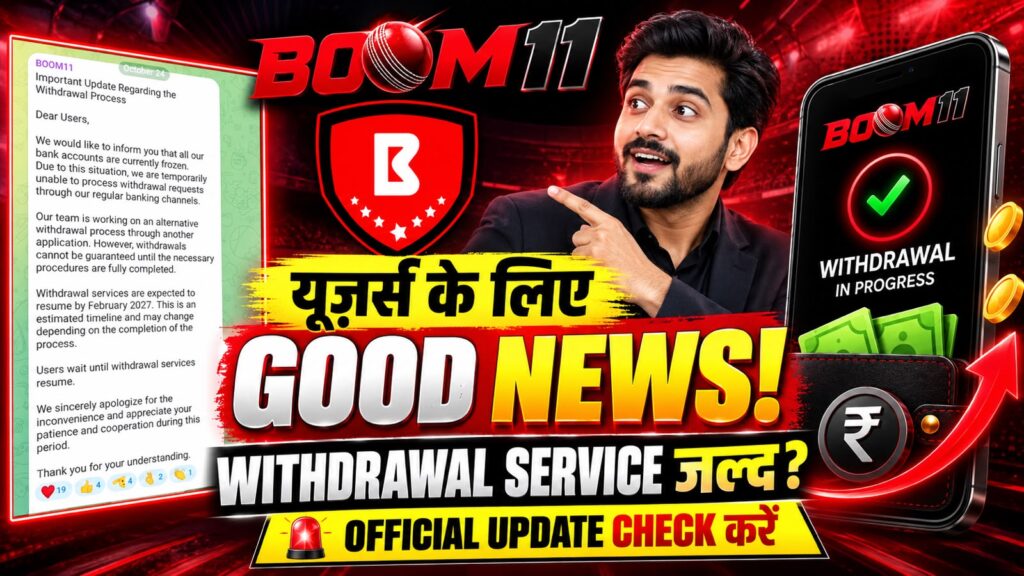
According to updates shared on Boom11’s official Telegram channel, the primary delay is due to the company’s bank accounts being frozen. Because primary payment rails were temporarily halted, instant in-app bank transfers could not be processed.
Boom11 Withdrawal Timeline: When Will You Get Your Money?
Boom11 has stated that full withdrawal settlements are planned to roll out starting February 2027, continuing across March and April 2027.
During this clearance window, pending account balances will be released in phases once banking channels and verification procedures are fully operational.
The Alternative Solution: Transferring Funds via BoomFlix
To manage user balances while the main fantasy app undergoes operational changes, Boom11 has rolled out an alternative platform called BoomFlix.
Your wallet balance and user data from Boom11 are being integrated into the BoomFlix system. Follow these steps to ensure your balance is tracked and ready for withdrawal:
Step-by-Step Guide to Access Your Funds
Download BoomFlix: Install the BoomFlix app (available via official community channels and Telegram links).
Log in with Registered Credentials: Log in using the exact same mobile number previously registered on Boom11.
Navigate to Monetization: Tap the menu (three dots/lines) on the home screen and select the Monetization section.
Access the Wallet: Open the Wallet tab within the Monetization menu. Your previous Boom11 balance is mapped to this wallet.
Complete KYC Verification: Verify your identity and update your active bank account/UPI details to be eligible for payout clearance.
Key Takeaways for Boom11 Users
Do not discard your account details: Keep your registered phone number active, as OTP verification is required to log in to BoomFlix.
Complete KYC early: Ensure your bank verification and identity proof are updated inside BoomFlix before payout windows open.
Avoid unofficial links: Download updates only through verified official channels to prevent phishing and account security risks.

Joined My telegram For Latest & fast Upadtes

Disclaimer
This article is for informational and educational purposes only. It is not a guarantee of the authenticity, security, legality, or performance of Win11 Fantasy App. The author has not independently verified the platform’s payment systems or withdrawal claims. Features and offers may change without notice.
Fantasy sports and cryptocurrency transactions may involve financial risks. Check the laws and eligibility requirements applicable to your location, read all terms carefully, and never risk money you cannot afford to lose. Do not participate in prohibited activities or rely on guaranteed-earning claims.